
Word-for-word translation
- Stiff phrasing
- Labels left behind
- Address fields in the wrong format
Your first landing is free — 1 published landing, no card needed. Start free
Languages
Copy written in the page's language, not translated word by word.
Try it free
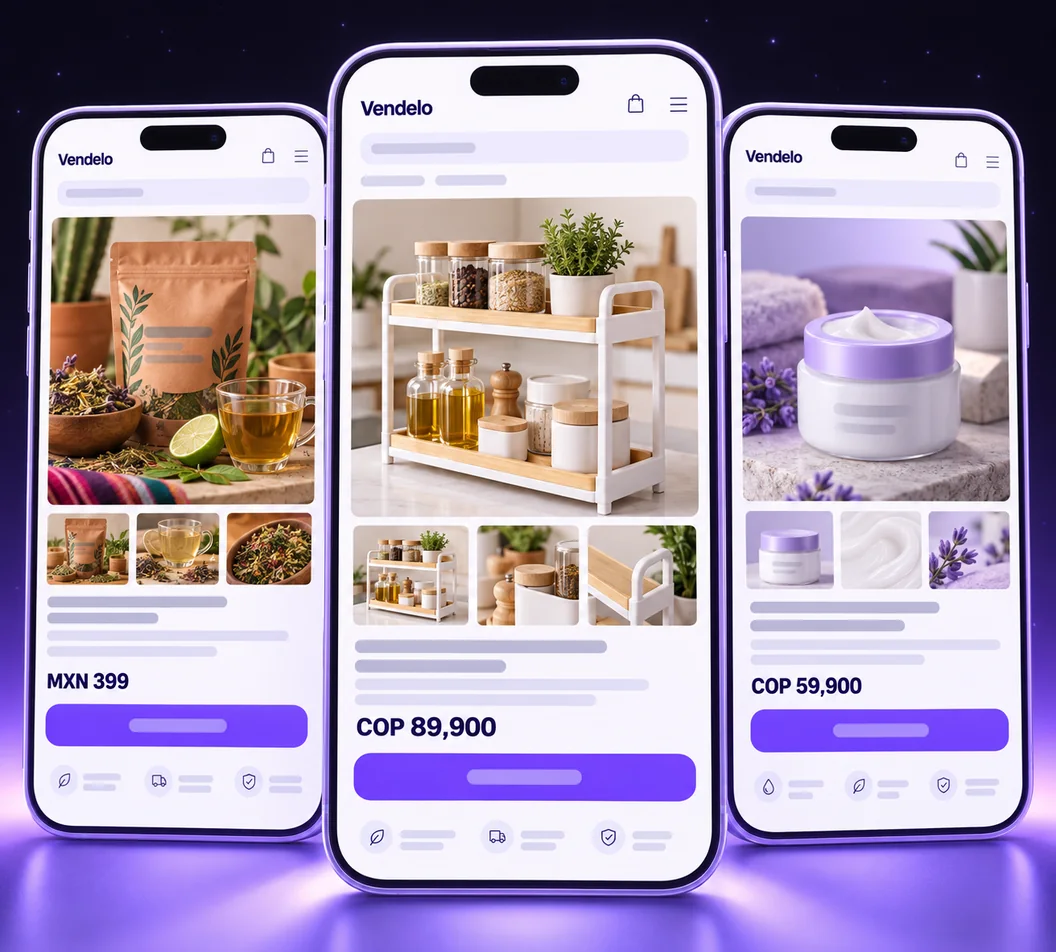
Yes. Generate it in your buyer’s language, with the words and address fields they recognize. The whole buying experience changes together.
and the languages your platform activates
Translate an existing landing in one click — From
Spanish, Portuguese and English, plus any other languages activated on your platform. Choose the language when you create a landing.
Yes. Offer labels, form fields, address labels and buttons follow the page language. Address fields also follow the country you sell in.
Yes. Each version is its own landing with its own address. Translating an existing landing is available from Starter.
Choose from the interface languages available in your account. Your app language and a landing’s language are separate choices.