
Editor

Edit your landing
like in Figma

Desktop, tablet and mobile side by side. Double-click to write.

Try it free

On every plan, Free included.

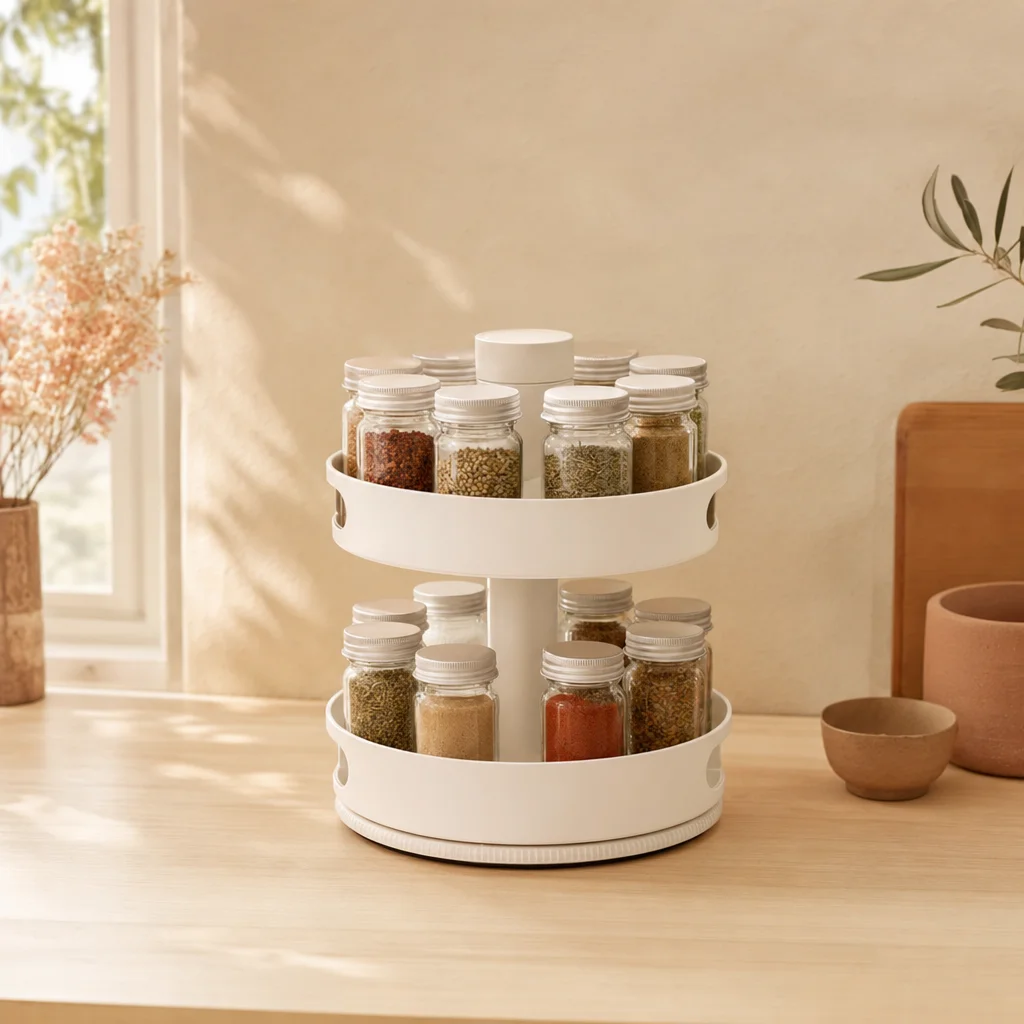
Rotating kitchen organizer
1
Desktop 1440
CASA NATIVA
Order in 10 seconds
Pay on delivery
More spaceEasy to clean
Pay on deliveryNamePhoneAddress
Place order
CASA NATIVA
Tablet 1024
CASA NATIVA
Order in 10 seconds
Pay on delivery
More spaceEasy to clean
Pay on deliveryNamePhoneAddress
Place order
CASA NATIVA
Mobile 390
CASA NATIVA
Order in 10 seconds
Pay on delivery
More spaceEasy to clean
Pay on deliveryNamePhoneAddress
Place order
CASA NATIVA
50%
Double-click any headlineAll sizes stay in sync

What is a canvas editor?

Your landing on a canvas, all three screen sizes at once. Select anything, change it, see every size update.
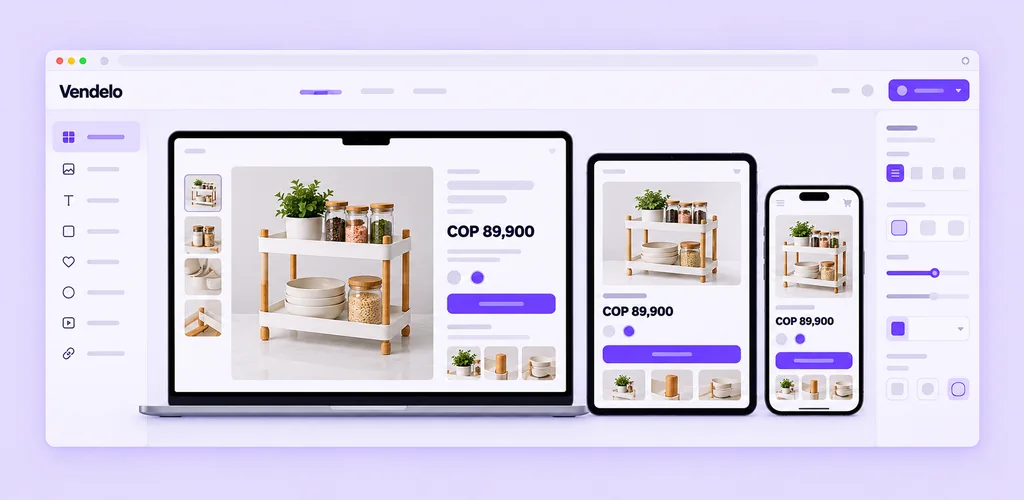
⌘Z⌘SDouble-clickAlt ↑↓

Everything is yours to change

What you can edit

  • Text in place and photos
  • Button links: page, WhatsApp, phone, email or web
  • Colours and type, per section or element
  • Visibility per device

Why a canvas, not a block list

  • Every size visible
  • Free selection
  • No separate preview
  • Undo everything

A little change.
Every screen, updated.

Canvas
50%
Canvas

Canvas with zoom and pan

Desktop, tablet and mobile frames at full page height. Zoom in close or pan across the page.
Pages / Layers
Home
Gallery + buy box
T Headline
Benefits
Cash-on-delivery form
Panels

Pages and Layers

Your pages and every section, listed in side panels. Pick a layer to select it on the canvas.
Design
Georgia60048Line 1.1Space 24 Text colour
Inspector

Design inspector

Text, photos, button links and style for the section or element you select.
Order in 10 seconds
Text

Double-click to write

Edit any headline or paragraph right on the canvas. Every screen size updates with it.
Benefits
Gallery
Order form
Library

Section library in your page’s style

Add benefits, a gallery, an order form and more, drawn to match your template.
Devices

Move, duplicate, hide per device

Reorder, copy or delete a section, or hide it on mobile, tablet or desktop only.
Draft recovered
Save

Undo, redo and Save with draft recovery

Step back through your changes. Close the tab by accident and your draft comes back.

From open to out there

1

Open your landing

Desktop, tablet and mobile, side by side on one canvas.

2

Change anything

Double-click to write, swap photos, add or hide sections.

3

Save and publish

Save with draft recovery, then publish the new version.

A few things, answered

Your content stays; each template keeps its own design edits.

Panels become tabs.

Your draft is recovered.

You are told when the page changed in another window.

Open your landing on the canvas